What Is A Gobii?
A Gobii is a persistent AI employee that can take on a role, keep context, use tools, work with files, communicate through channels, and ask for approval when it needs a decision or sensitive access.
Think of a Gobii as a named teammate with a job description, not as a one-off chat. You can create one for research, operations, sales prep, content workflows, customer support, monitoring, internal reporting, or another recurring responsibility.
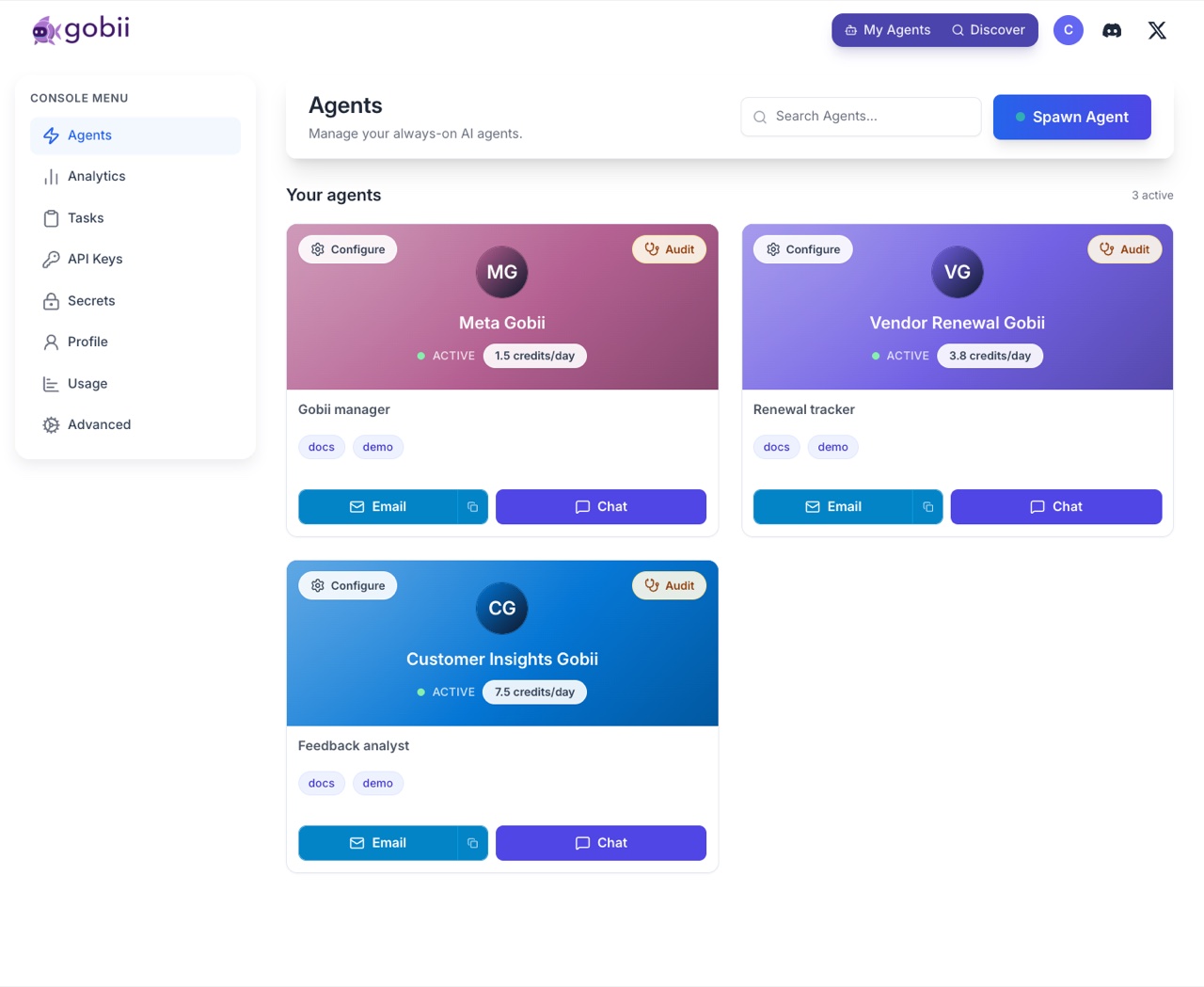
The main pieces
Charter
The charter is the Gobii's standing instruction. It describes the role, goals, boundaries, tone, cadence, and any systems or contacts the Gobii should use.
A good charter says what outcome matters and what the Gobii should avoid. For example:
Prepare concise weekly competitor updates for the product team. Use files in the workspace as background context. Do not send external messages unless I approve them.
Timeline
The timeline is the working record for a Gobii. It can include messages, plan updates, deliverables, tool activity, files, pending requests, and results.
Use the timeline to understand what happened, what the Gobii is doing now, and where it needs input.
Plan and deliverables
For larger requests, Gobii may create or update a plan. The plan turns a broad goal into visible steps and deliverables so you can steer the work before too much effort is spent.
See Planning And Deliverables.
Filespace
Each Gobii can have a workspace for reusable files. Files can come from chat uploads, email attachments, SMS/MMS, generated outputs, or direct file management.
See Files And Workspaces.
Channels and contacts
Gobiis can communicate through web chat, email, SMS, approved contacts, app channels, and inbound webhooks depending on how they are configured.
Tools and apps
Tools give a Gobii capabilities beyond normal chat. Examples include file operations, browser work, HTTP requests, connected apps, MCP servers, built-in communication tools, and configured system skills.
See Tools And Apps.
Approvals
Approvals keep humans in control. A Gobii can ask for input, request credentials, ask to contact a person, or propose creating or changing another Gobii.
Gobii, agent, task, and template
Use these terms consistently:
| Term | Use it for |
|---|---|
| Gobii | The end-user AI employee you create, chat with, configure, and manage. |
| Agent | The developer/API term for the same underlying persistent resource. |
| Task | A smaller unit of work. End users usually do not need to manage tasks directly. |
| Template | A reusable starting point for creating a Gobii with a known purpose. |
Legacy API and implementation areas may still use terms such as browser-use task or browser automation. Those terms describe a technical surface, not the whole product.
What a Gobii is good at
Gobiis are best when the work has a clear role, inputs, boundaries, and a useful output. Strong examples include:
- Monitoring a market, vendor, inbox, queue, or dashboard.
- Preparing research briefs or recurring summaries.
- Turning files and notes into organized deliverables.
- Coordinating work across tools or connected apps.
- Handling repetitive operations with human approval checkpoints.
- Keeping a team informed through chat, email, or SMS.
What to define up front
Before creating a Gobii, decide:
- What job should this Gobii own?
- What information can it use?
- Which tools or apps should it access?
- Which people or channels can it contact?
- What should require approval?
- How much daily credit usage is acceptable?
- What should count as a finished deliverable?
You can refine all of this later. The first version only needs enough context for Gobii to begin safely.