Usage, Credits, And Limits
Gobii consumes credits as it works. Credit usage can come from model reasoning, tool calls, browser work, files, communication, and other runtime activity.
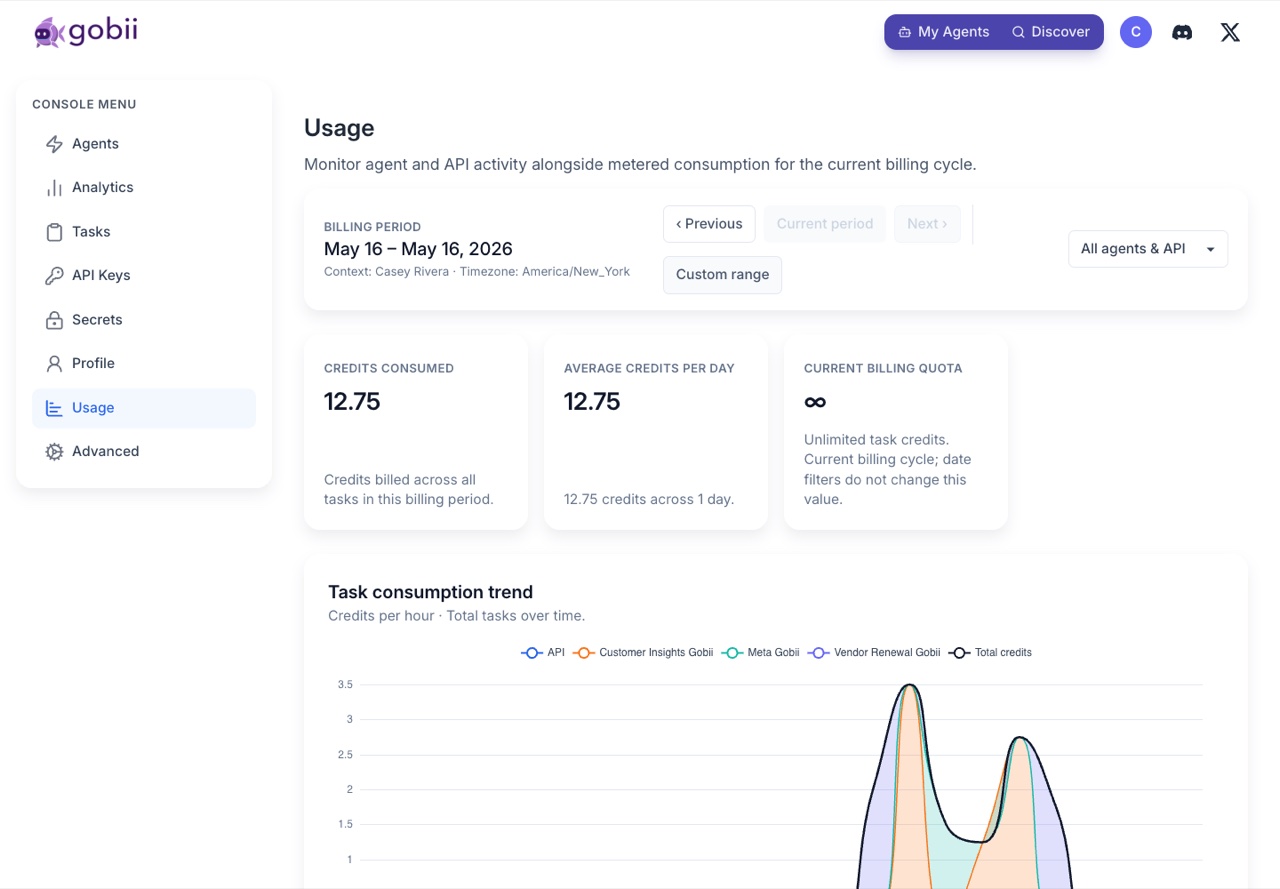
Account and organization usage
Use the Usage page to understand consumption:
- Gobii Cloud:
https://gobii.ai/console/usage/ - Self-hosted:
http://localhost:8000/console/usage/
The page can show trend, burn-rate, tool, API, and per-Gobii views depending on your plan and role.
Daily credit limits
Each Gobii can have a daily soft limit. Gobii tries to complete work sensibly, so a single unit of work may slightly exceed the soft limit. A hard runtime stop may pause work when usage passes the enforced threshold.
Use daily limits to:
- Keep demo Gobiis inexpensive.
- Prevent runaway recurring work.
- Give high-value Gobiis more room.
- Separate production workflows from experiments.
Intelligence settings
Some plans let you choose a preferred intelligence level for a Gobii. Higher intelligence can improve reasoning-heavy work, but may consume credits faster.
Use stronger intelligence for:
- Complex research.
- Judgment-heavy summaries.
- Planning across many tools or files.
- Sensitive work where retries are expensive.
Use lower intelligence for:
- Simple monitoring.
- Routine formatting.
- Lightweight recurring checks.
- Experiments with narrow scope.
When work appears blocked
Check in this order:
- Timeline for pending approvals or secret requests.
- Gobii active/paused state.
- Daily credit limit and recent usage.
- Account or organization plan limits.
- Connected app, MCP server, or email/SMS setup.
- Billing settings if additional work beyond included credits is expected.
For billing controls, see Usage And Billing.